Free HD Phone Wallpapers
SomeWallpapers is a free phone wallpaper gallery for iPhone and Android lock screens and home screens. Browse mobile wallpapers for lock screens and home screens. Search by subject or explore the available theme tags, preview a wallpaper, and open its image files to save your favorite.
Discover phone wallpapers
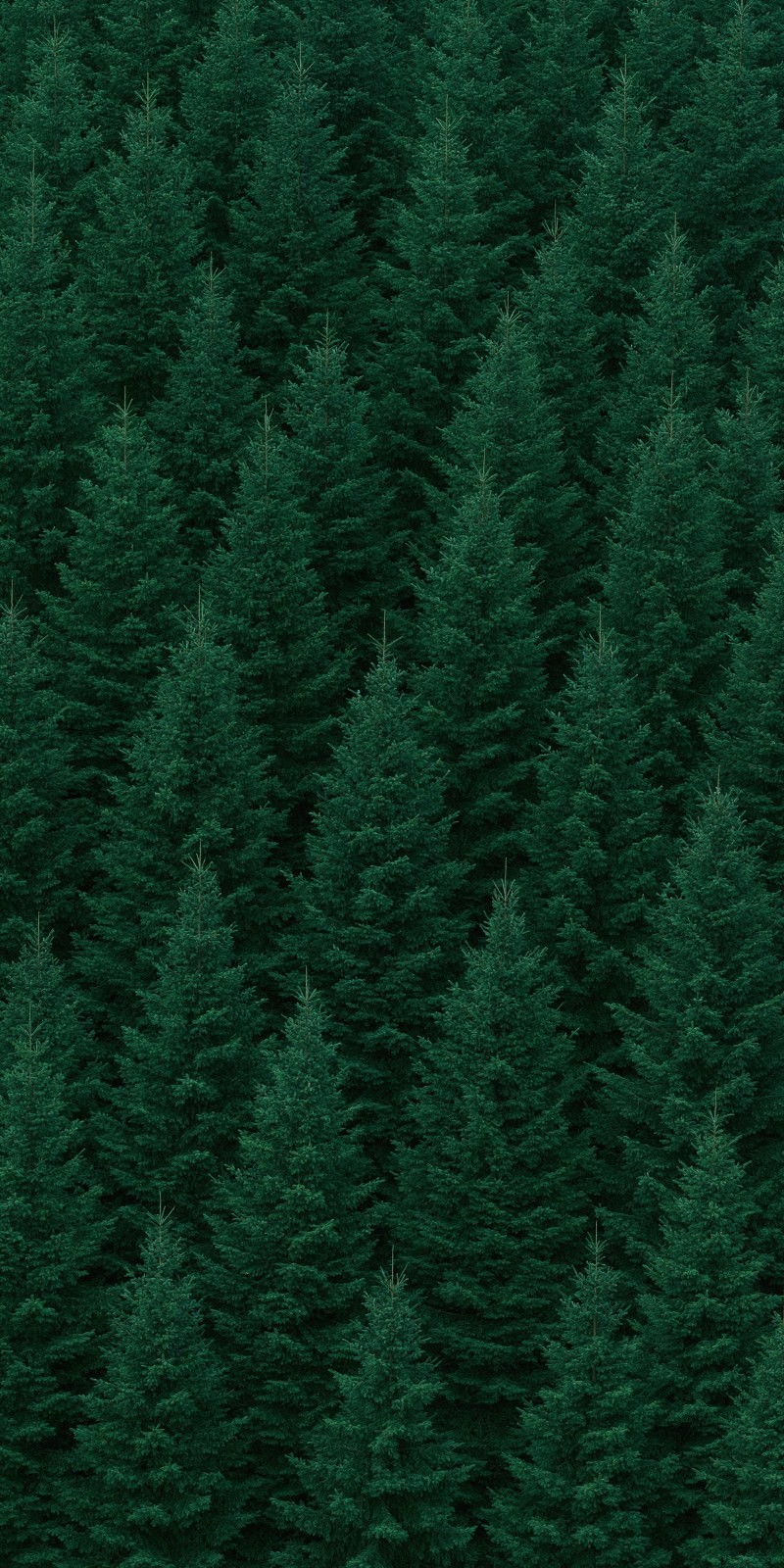
Dense coniferous forest fills vertical frame in flat repeating pattern
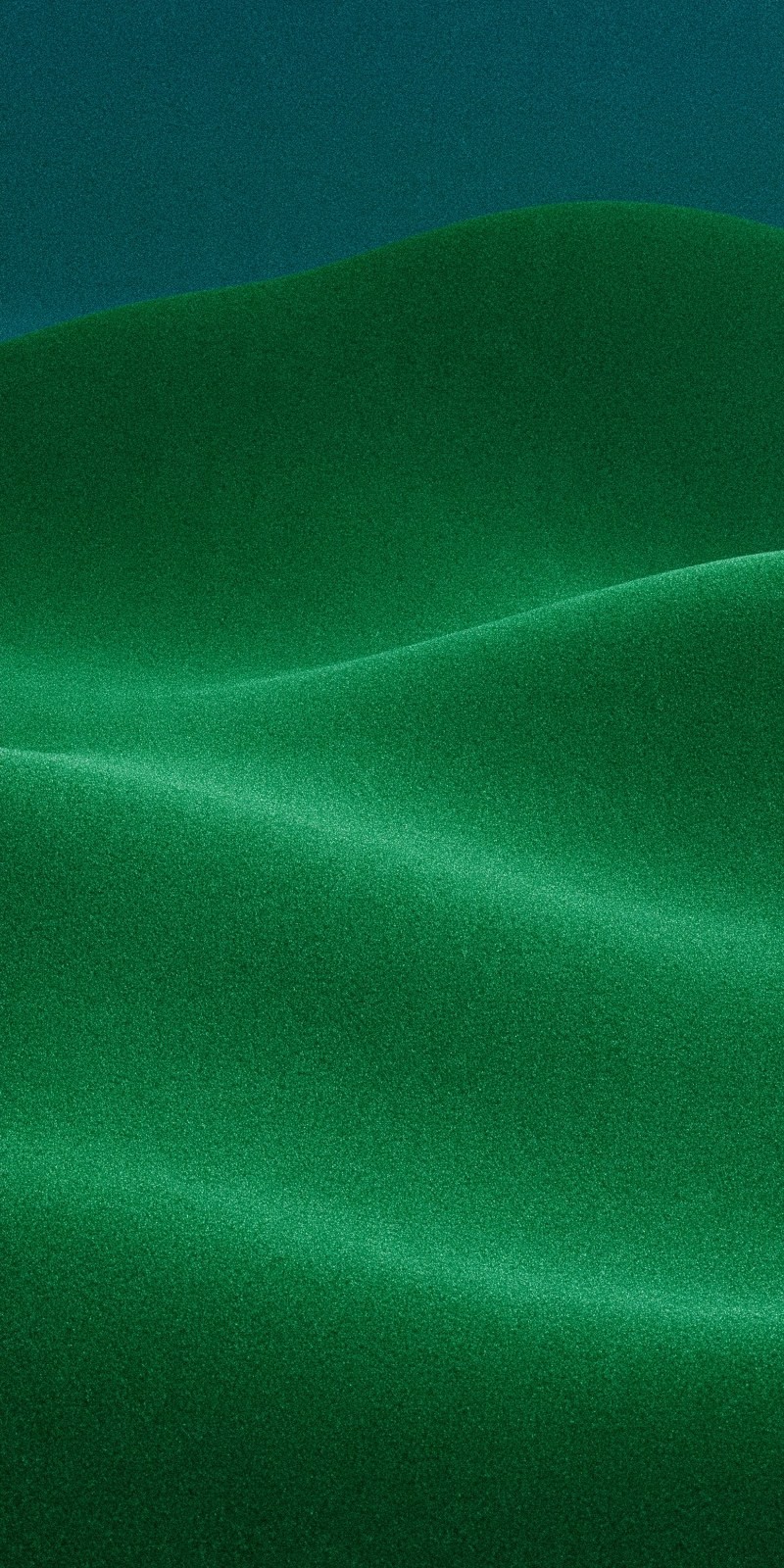
Abstract green curves layer like dunes and silk
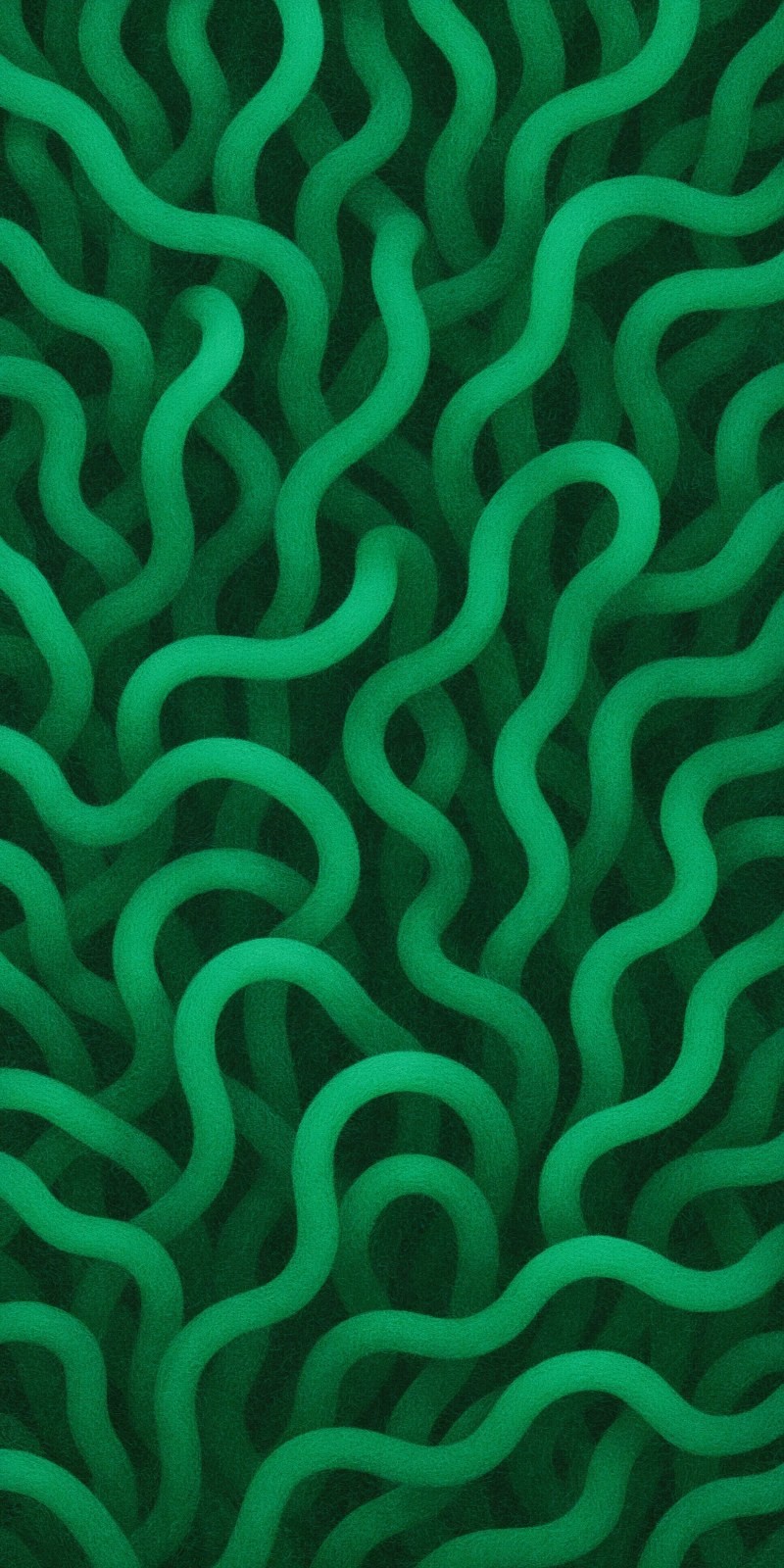
Dark green abstract tubular texture fills the frame
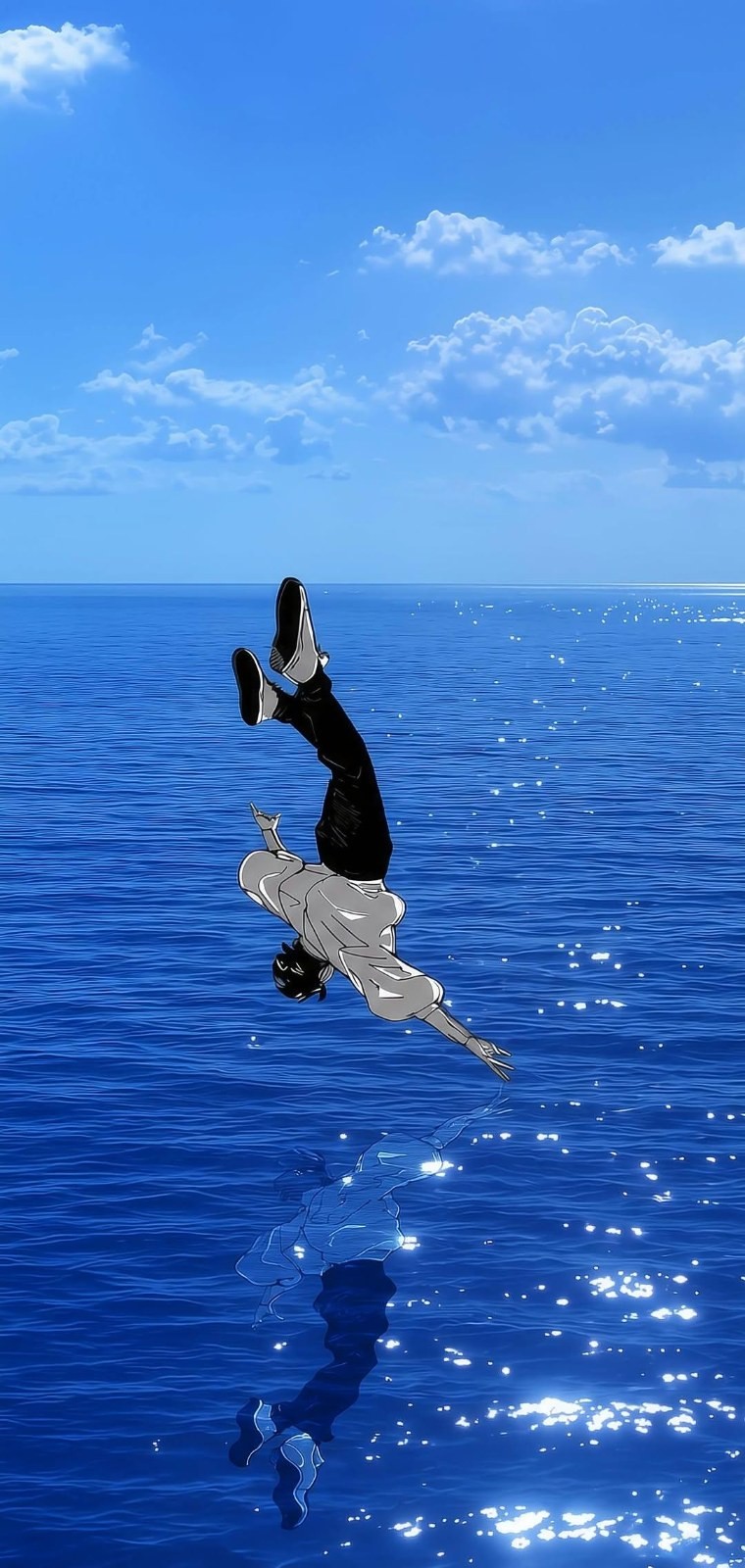
Person in light gray shirt and black pants floating above deep blue sea

Young woman in black thin-strap ruched dress for Japanese-style portrait
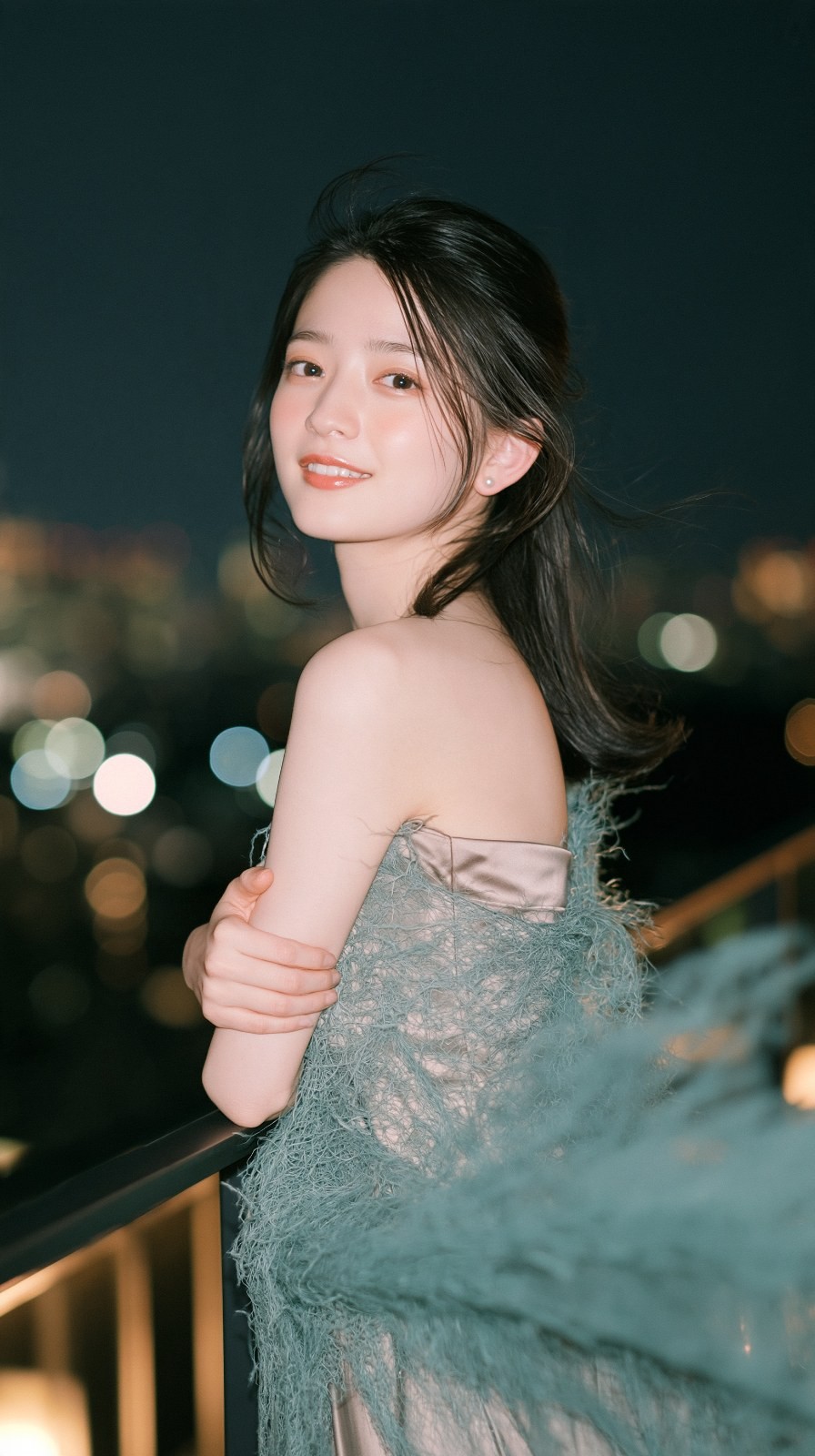
Young woman in light pink strapless gown leans on railing

Young woman glancing back with bare back
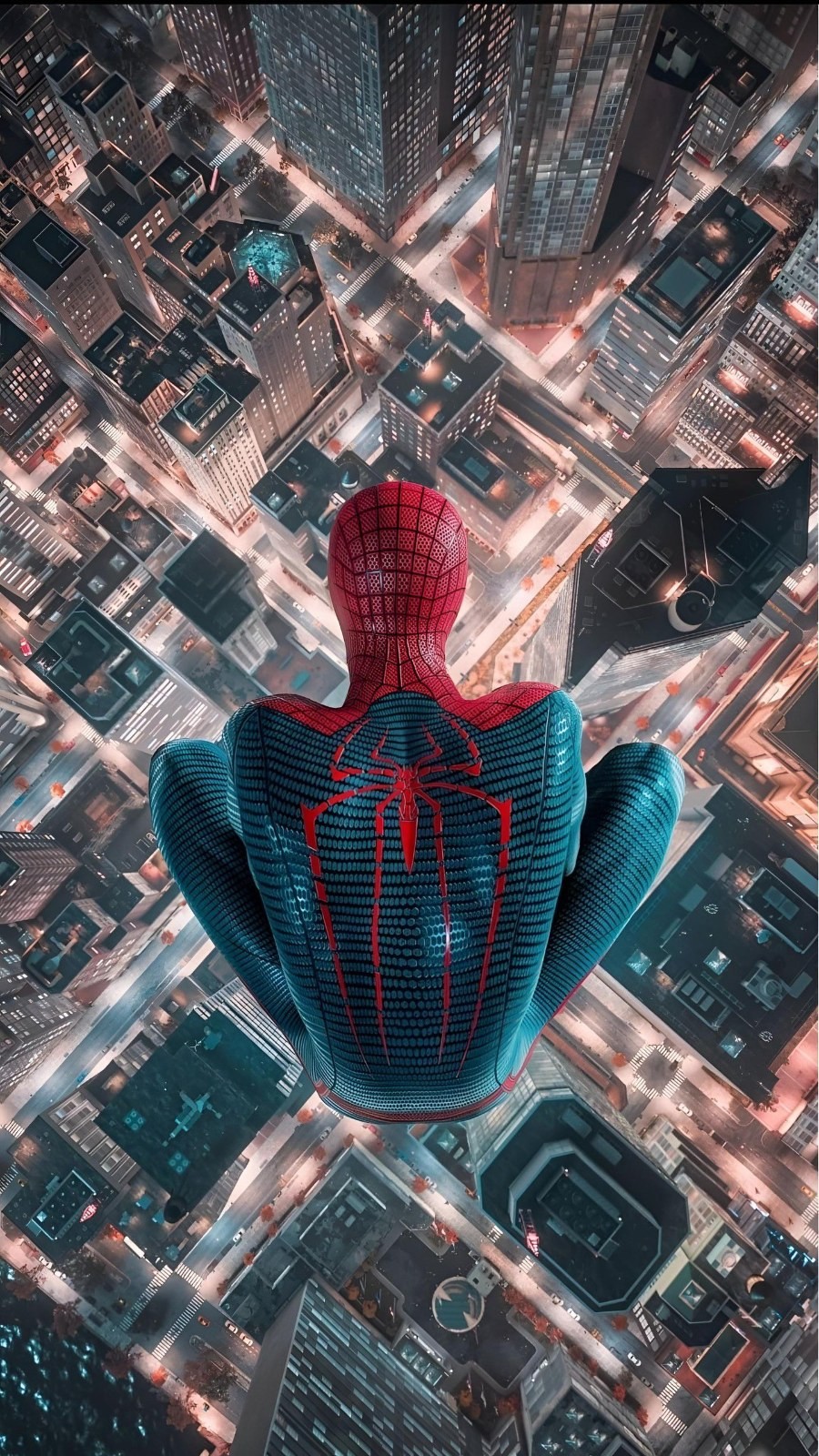
Spider-Man in red and blue suit overlooks city nightscape from high above
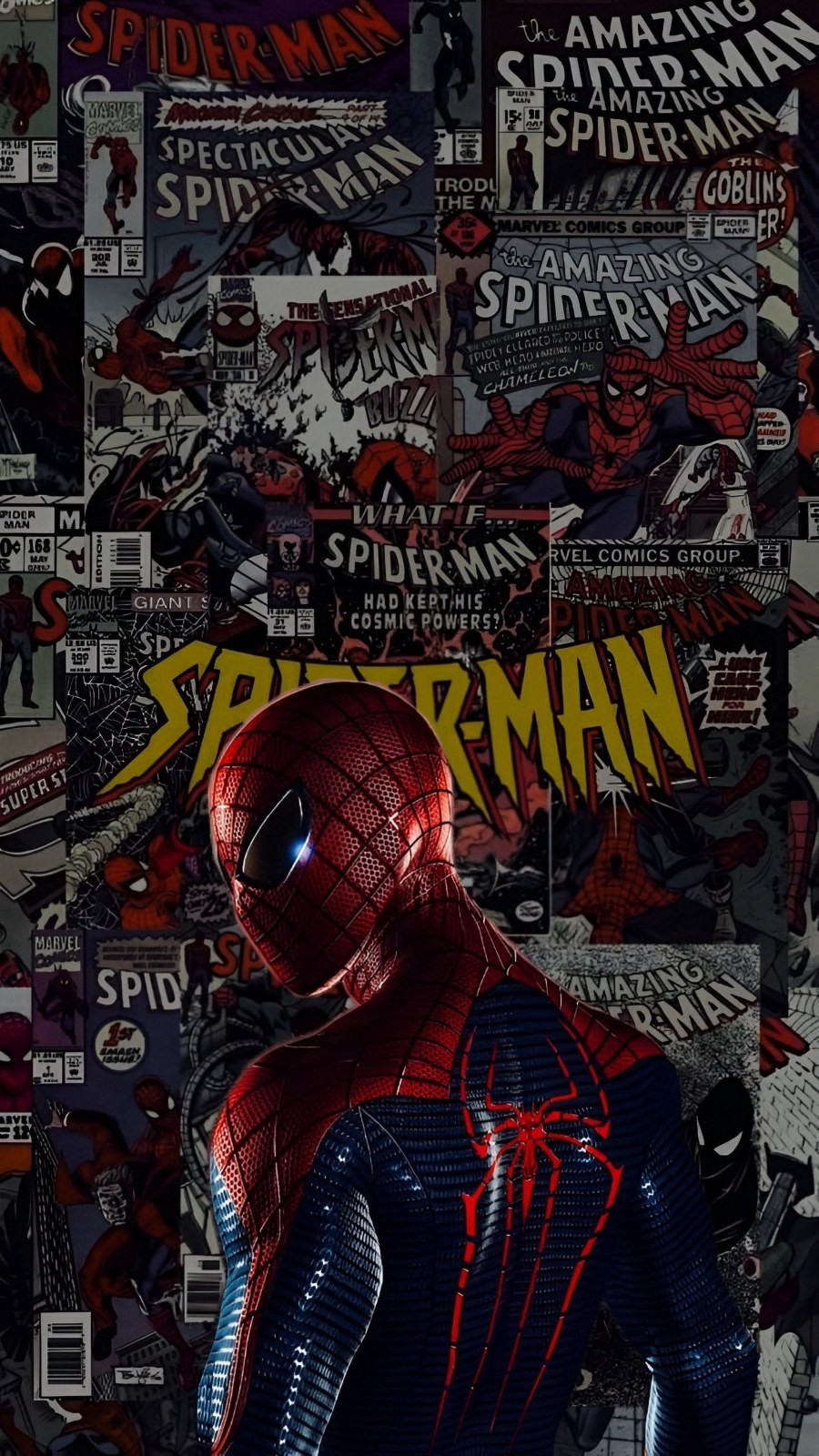
Spider-Man in red and blue suit seen from behind against comic cover collage
How to choose and download a phone wallpaper
Start with the subject you like, then check the original image and your screen shape. A preview shows the composition; the downloaded image determines the actual detail available on your phone.
- Search for a subject, color or style, or follow a theme tag shown in the gallery. Search results depend on the words available in each image description.
- Open a wallpaper detail page. Switch between the phone preview and the original view to check the subject and leave room for the clock or app icons.
- Choose Download Wallpaper or open an original image file. Save the image to Photos or your gallery, then set it as a lock screen or home screen wallpaper in your phone settings.
Phone wallpaper questions
Can I use these wallpapers on iPhone and Android?
You can save an image and set it as wallpaper on iPhone and Android. The final crop depends on the image proportions, device screen and wallpaper settings. Preview the crop before applying it; one image may not fit every screen without cropping.
What image size should I choose for a phone wallpaper?
Choose an original image whose width and height meet or exceed your screen resolution, with a similar portrait aspect ratio. Check the original file dimensions before downloading. HD and 4K describe image resolution; this gallery does not guarantee that every file is 4K.
How do I find anime, nature or minimalist phone wallpapers?
Enter a subject or style in the search field, such as anime, nature, ocean, cat or minimal. You can also follow the theme tags displayed on wallpaper pages. Available results depend on the current gallery and image descriptions.
How do I keep the wallpaper clear and leave room for the clock?
Save the original image file rather than a screenshot of the phone preview. Avoid enlarging a small image beyond its native size. For a lock screen, choose a composition with clear space around the clock; for a home screen, simple backgrounds can keep app labels readable.